
The printer asked for a vector logo: how to convert a logo to vector for free, in the browser
A bakery owner in Pune had one 440 px logo from WhatsApp and a printer asking for a vector file for her new signboard. What a vector is, how to convert a logo to vector for free in the browser, which file to send, and where tracing still struggles.
· 5 min read · 1.3K views · by the Cortex Digital Hub team
Drop a PNG or JPG logo, check the edges with the compare slider, change any colour, and download SVG, PDF, EPS, DXF or a bigger PNG. It runs in your browser, so the logo never leaves your device. Free · no sign-up, no watermark · nothing uploaded
Convert your logo → → Opens Image to Vector · runs in your browser
Meera runs a small bakery in Pune. The new signboard was ordered, the painter was ready, and the print shop sent one line on WhatsApp: "Please send the logo in vector." The only logo she had was the one her nephew made four years ago, a 440 pixel PNG saved from a WhatsApp chat. She did not know what a vector was, and the first three websites she tried either wanted a monthly plan, added a watermark, or quietly put her PNG inside a file named .svg. This is what she needed to know to convert a logo to vector, and how she did it for free in about five minutes.
What a printer means by "vector"
A JPG or PNG is a grid of coloured squares. Her logo was 440 squares wide and 440 tall: 193,600 little tiles, each with one colour. On a phone screen that looks fine. Printed one metre wide, each tile becomes more than two millimetres across, and every curve turns into a staircase.
A vector stores the logo as shapes instead: where each outline starts, how it bends, and which colour fills it. The printer's software redraws those shapes at whatever size the job needs, so the same file works for a visiting card and a hoarding. That is why print shops, sign makers, T-shirt printers and laser cutters ask for one.
There is a trap here. Many free "PNG to SVG" converters only wrap the picture in an SVG file. The name changes, but inside it is still the same grid of squares, and it still blurs when it is printed large. A real vector, opened in a text editor, is full of path data, not one long block of image code.
How to convert a logo to vector in the browser
Image to Vector traces the shapes for real, and it works inside the browser tab. Meera's steps:
- Drop the logo. PNG, JPG, WebP and HEIC all open. A small file is fine: it is enlarged smoothly before tracing, so the curves come out round instead of stepped.
- Pick the type of image. Logo / icon, Line art, Signature / stamp, Floor plan, Illustration, Photo poster or Pixel art. Each one sets sensible colours and shapes. She left it on Logo.
- Check the colours. Auto keeps the colours the logo really has, and drops the in-between shades that JPG compression and resizing leave along every edge. Her logo came out as four colours: brown, orange, cream and white.
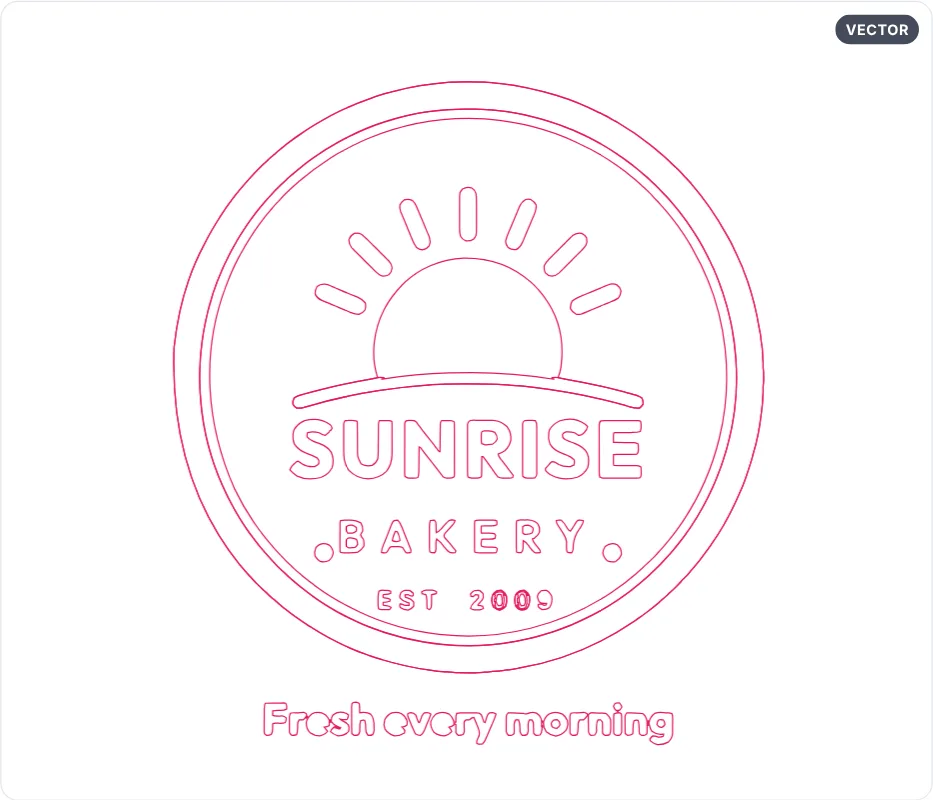
- Check the edges. Drag the compare slider across the picture, switch to side by side, or turn on Outlines to see every shape it drew. Zoom in up to 64 times.
- Download. SVG, PDF, EPS, DXF, or a sharp PNG up to eight times bigger. No watermark.
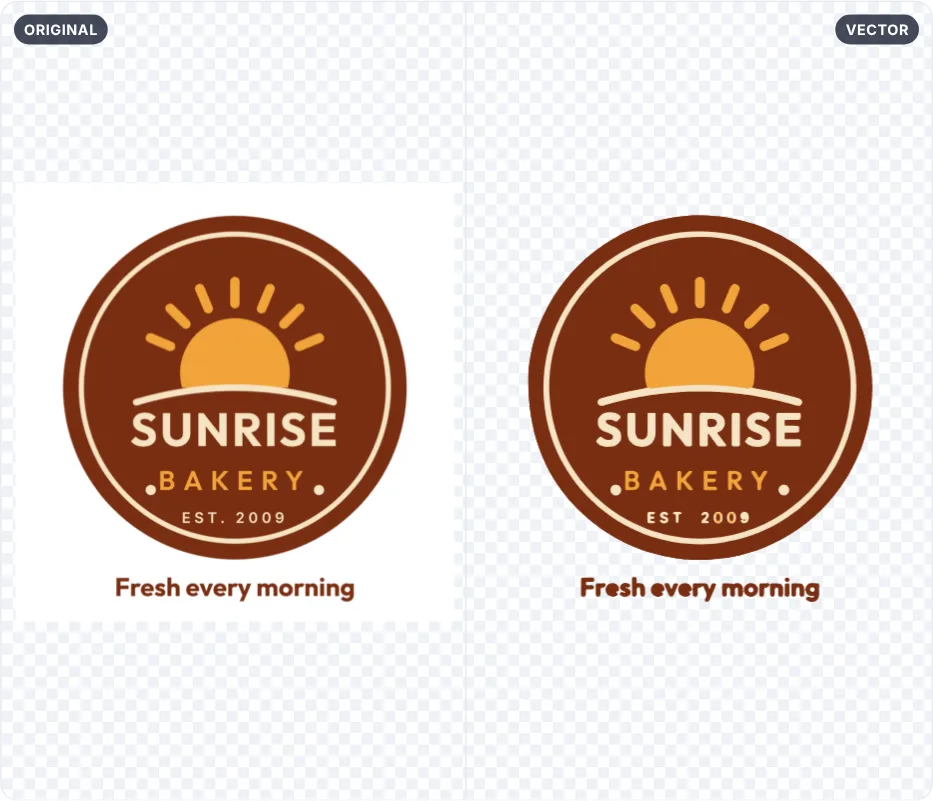
Her logo became 67 clean shapes. The small "EST. 2009" line under the name survived, which mattered to her.
Fixing the colours before you send it
The printer also asked for the exact brand brown. Under Colours, every colour in the vector is shown as a swatch with its share of the logo. Clicking the brown swatch opened a colour picker, and she typed the shade from the old visiting card. The change appears straight away and goes into every download.
Two other switches help most people:
- See-through background. On by default for logos. The white around the logo is dropped, but white parts inside the logo (a window, the inside of a letter) stay white.
- Drop a colour. The × next to a swatch removes that colour completely, which is handy when a scan brings in a grey shadow you never wanted.
Which vector file to send
All five downloads come from the same tracing, so there is no need to convert twice.
| Where it is going | File to send | Why |
|---|---|---|
| Print shop, signboard, flex, T-shirt | Vector PDF is the format most printers expect | |
| A printer who asks for EPS | EPS | Older print workflows still use it |
| Website, app, Figma, Canva, Inkscape | SVG | The vector format of the web and design apps |
| AutoCAD, laser cutter, CNC router | DXF | Closed outlines, one layer per colour |
| WhatsApp, slides, a bigger picture | PNG | Drawn fresh from the vector, up to 8× |
Meera sent the PDF to the print shop and kept the SVG for her new website. For signboards specifically, this guide on upscaling a logo for a signboard covers the case where the printer wants a bigger picture rather than a vector.
When tracing struggles
Tracing works best on flat colours with clear edges. A few cases need care:
- Very blurry or tiny logos. If you cannot read the letters yourself, the tracer cannot either. Run the logo through Image Upscaler first, then vectorize the result.
- Photos. A photo becomes a poster-style vector with flat colour areas. It can look striking, but it will not look like the photo.
- Gradients and soft shadows. These turn into bands of flat colour. Fewer colours give a cleaner, flatter result; more colours keep more of the shading.
- Thin hairlines. Raise Detail if a thin line disappears, or lower it if specks appear.
If the background of a photo-style logo is busy, Remove Background can clear it first, so only the logo is traced.
Other jobs the same tool does
The bakery logo was one job. The same page handles a few others that come up often:
- A signature or rubber stamp for letters and documents: pick Signature / stamp and you get clean ink on a see-through background.
- A floor plan for CAD: image to DXF keeps walls straight and exports closed outlines for AutoCAD or laser cutting.
- Icons and stickers for a website or a cutting machine: the PNG to SVG page opens the tool set for exactly that.
For a logo going to a printer, logo to vector opens with the Logo setting already picked.
Why it stays private
The tracing engine is open source and about 140 KB. It downloads into the browser once, and from then on everything happens on your own device: the enlarging, the colour clean-up, the tracing and the file you save. Nothing about the logo is sent to a server, which matters when the file is a client's unreleased brand or a scanned signature.
Meera's signboard went up the following week. The brown matches the visiting cards, and the "EST. 2009" line is sharp from across the road.
Watch the video
Inside the tracer: how a picture becomes clean vector curves · 1:45 · Watch on YouTube
Frequently asked questions
What does it mean to convert a logo to vector?
A JPG or PNG logo is a grid of coloured squares (pixels). Converting it to vector traces each colour area into shapes made of points and curves, so the logo can be printed or shown at any size and stays sharp.
Is the converter really free?
Yes. Image to Vector runs inside your browser: no sign-up, no credits, no watermark and no limit on downloads.
Is my logo uploaded?
No. The tracing engine downloads into your browser once (about 140 KB) and works there. Your file never leaves your phone or computer.
Which file should I send to the printer?
A PDF is what most print shops ask for. Send EPS if they ask for it by name. SVG is for websites, design apps and cutting machines, and DXF is for AutoCAD, laser and CNC.
My logo is only 300 pixels wide. Will it work?
Usually, if the shapes are clear. Small images are enlarged smoothly before tracing so curves come out round. Very blurry logos are better run through Image Upscaler first.
Can I change the colours before I download?
Yes. Click any colour under Colours to set the exact shade from your brand guide, or press × to drop it. One tick makes the background see-through.
Will a photo become a perfect vector?
No. A photo turns into a poster-style picture made of flat colour areas. Vectors suit logos, icons, line drawings, signatures and floor plans best.